Using the Bulk Delete Utility
Most modules have a Bulk Delete Utility that allows users to quickly cleanup data that is no longer valid.
Select the Records to be Deleted by checking the boxes in the Grid view, in this example we will delete some “O Rings” from Inventory that are no longer kept onboard.
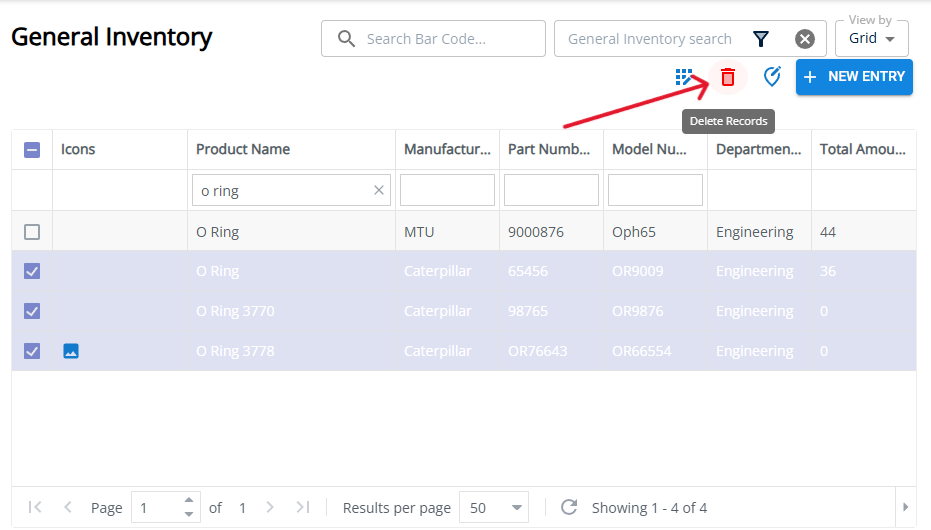
Click on the Delete Records button.

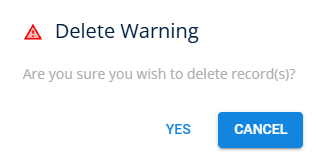
You will be prompted with a delete warning confirm you wish to delete the selected records.
Last updated 2025-05-02